



“How To” is a procedure which is defined by someone in number of steps. The web is full of sites that share information and tutorials about “How To” design and develop characters. However it is also important to know the “Why” to designing a character. Knowing the answers to “Why” helps one take decisions about the design process.
The Tuts+ (pronounced tutsplus) education network which has tons of “How To” tutorials is now focusing on “Why” tutorials as well. They plan to put up two week ‘Sessions’ on various creative subjects like interface design, illustrative typography and creative freelancing, etc. Each session is a block of articles, interviews, tutorials and content on a particular creative subject. A session will have these posted every day. The first session is about creative character illustration and they have already (it’s just day 4 of the session today) shared a lot of useful information there.
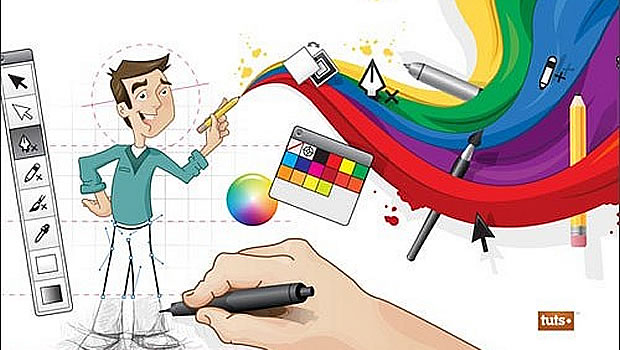
I think this is a great resource for all Graphic Designers working in Custom eLearning Development who often need to create scenario based content for different domains like management, sales, production, etc. Well designed and appropriate characters certainly help in creating more effective and engaging scenarios. Using these tutorials, even instructional designers can understand what goes into creating a good character and how they could influence a graphic designer when getting characters for their scenarios designed and illustrated.