



Easy-access training at
employees’ fingertips
at the
point-of-work
With the multiple roles our mobile devices play today—our go-to for scheduling, our personal library for healthy meal prep, or even a means to re-center through a mindfulness app: everything’s literally a click away. And so could be your organization’s learning initiatives. Enter mobile learning.
While it’s worth noting that not all training subjects are conducive to being packaged as ‘mobile learning’ (say, complex procedures that have a psychomotor aspect involved that need a coach or instructor), we believe in the immense potential of mobile learning for self-directed initiatives. Something that can help employees lead their own learning and development journey: anytime they want, anywhere they’d like, and at the point of work.
Mobile learning is ubiquitous, it’s flexible, and apt as a solution if you’re looking to place the power of learning where it belongs—in your employees’ hands. A multifaceted solution, mobile learning hits the mark if what your business needs is a quick series of microlearning nuggets, a short practice activity disguised as a light game, or an app to drip-feed timely learning bytes.
Mobile learning can be much more than just mobile
The popularity of personal devices as learning tools is here to stay, and we can help you explore the opportunity to the fullest—beyond just making your content mobile. We help you take it to the sweet spot between instructionally sound, visually appealing, and technically robust. Here’s how:

We design the experience.
Our instructional design expertise helps us be mindful of the affordances of a mobile device as the vehicle. With the goal to empower employees to access information quickly in their workflows, our team works towards designing seamless mobile experiences.

We design for meaning.
When it comes to mobile-friendly visual design, we partner with you to strike the balance between aesthetics and purpose. Using the visual medium to convey meaningful messages is our mantra, and we’re there to guide you towards content that is designed for effortless, on-the-go consumption.

We design for performance.
Whether there’s a custom platform involved, the latest tool you’d like us to use, or an app with offline support you want to build—it’s about designing for performance. We consult you on your organization’s infrastructure and technological capabilities, and recommend the best way forward for your mobile learning needs.
Finally, when we think mobile learning, we have your business goals and employee needs as top priority, and can help you make the most of mobile delivery. Some of our offerings best suited to the mobile channel are Performance Support, Microlearning, and Games and Gamification.
Solution
Spotlight
The Challenge
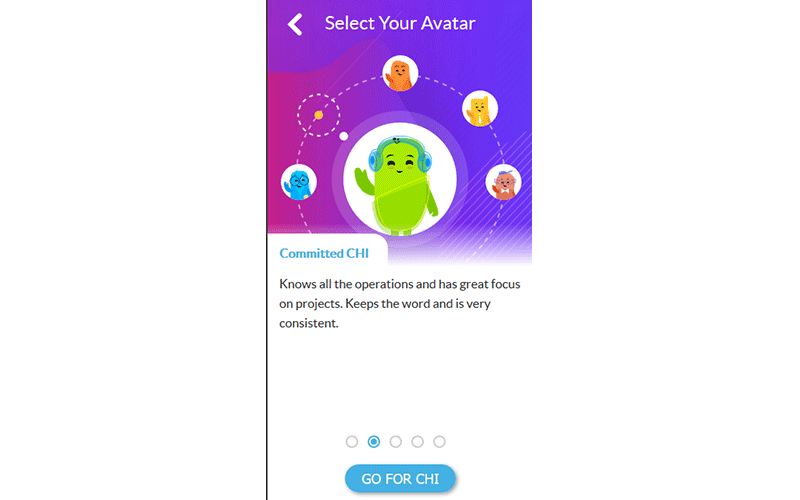
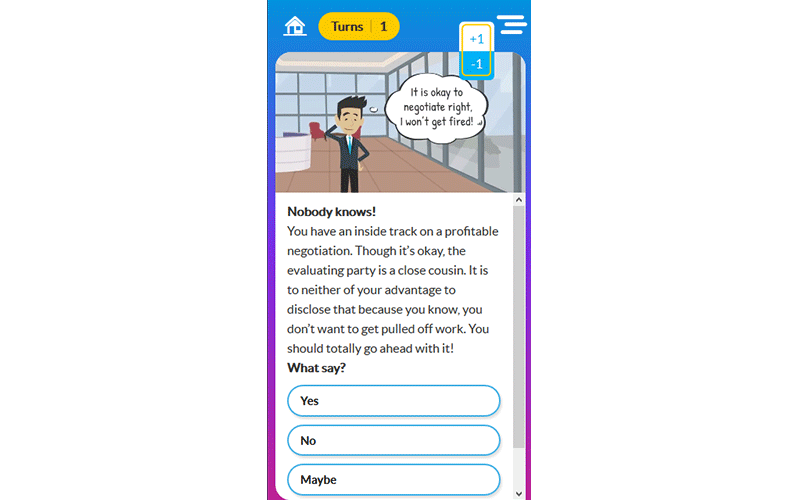
Finding an engaging solution to present tedious content related to internal compliance training.
Our Solution
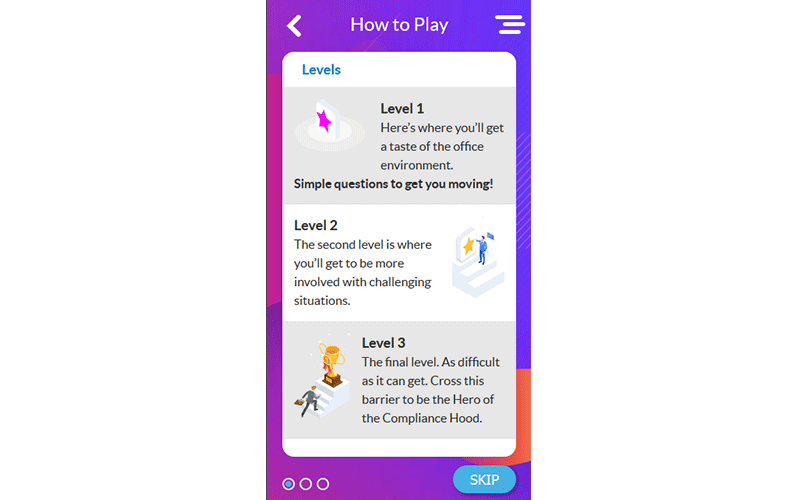
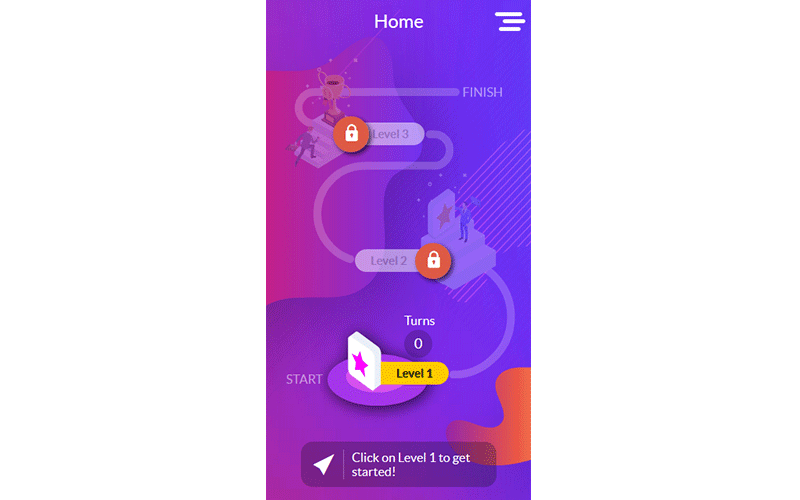
A fun digital game inspired by board games, steeped in a tried and tested ‘game-based learning’ approach.
A game-based journey, that brings in the aspects of challenge and engagement to mandatory compliance training.
Benefits of the Solution
An engrossing way for the learners to breeze through serious content, without missing out on crucial learning points.
An adaptable solution that helps businesses introduce a culture of compliance within the organization in a meaningful way.
A personalized game-based journey designed to make dry policy subjects easily palatable.
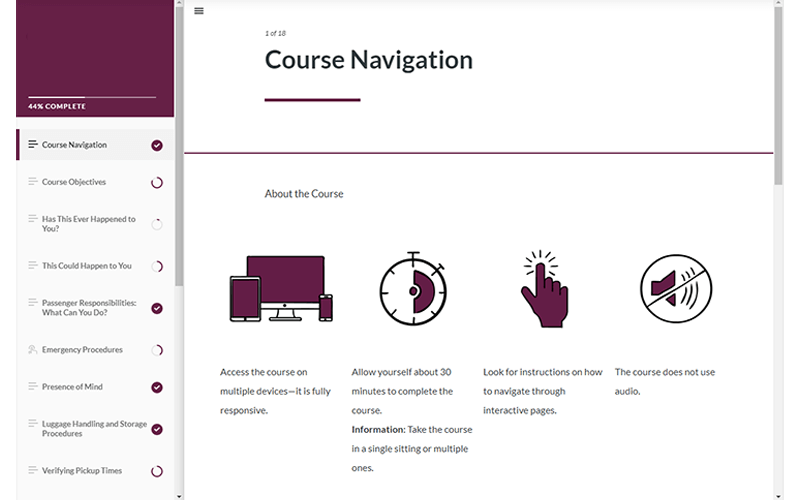
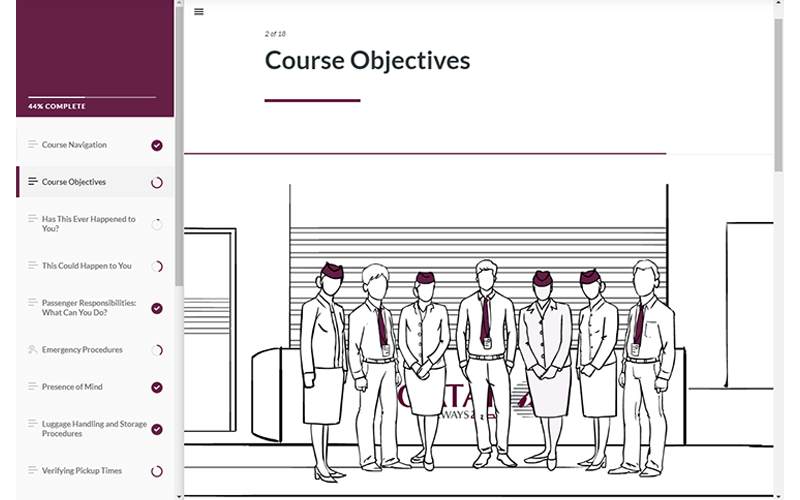
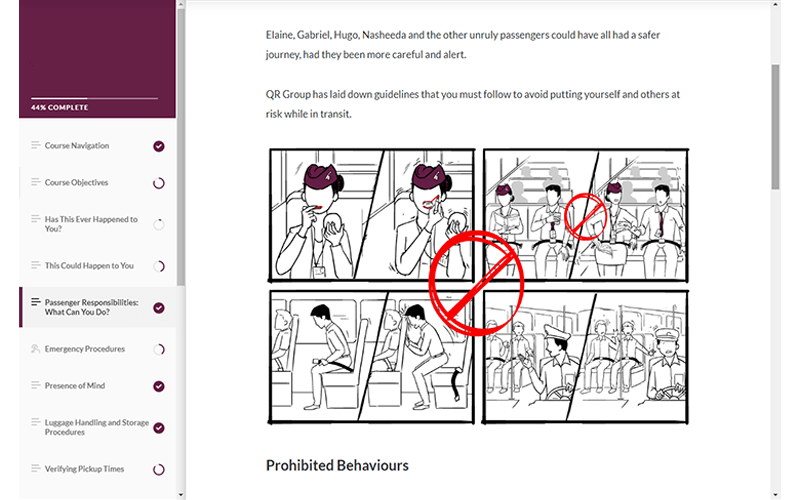
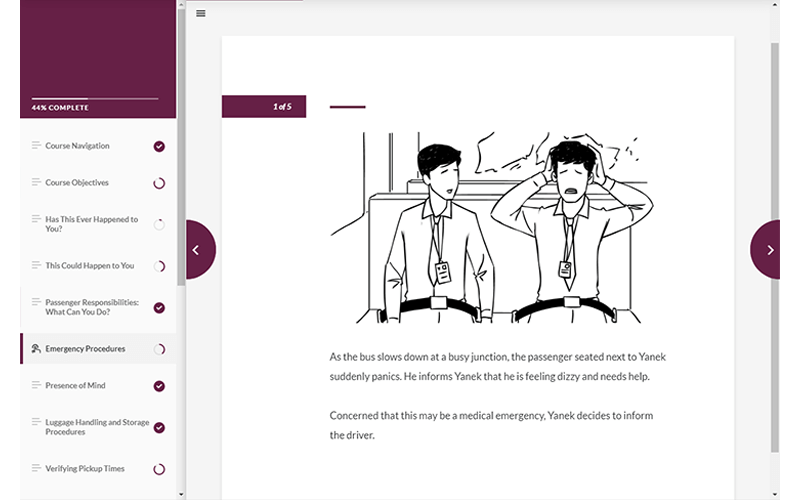
The Challenge
An intervention beyond just a policy document to emphasize guidelines for safe commutes to and from work.
Our Solution
A visually-rich, mobile-friendly solution to instantiate safety guidelines when commuting with company transport.
Benefits of the Solution
Illustrated scenes to contextualize common safety risks and concerns.
A conversational, natural tone of writing to express the key message.
A light, on-the-go digital solution to encourage adherence to safety guidelines and transport policies.



We're here for you!
Tell us about your business and what success looks like for you, and we'll work out the best solution together.
By submitting this form you agree with Upside Learning's Privacy Policy.

